
Steps to search files in windows 8 or 8.1 or 10 Open Windows File Explorer. On the top right of Windows File Explorer, type *.extension in the search box. Example 1: If you want to search all text files THEN Type: *.txt Example 2: If you want to search Text files, XLS files, PDF files and W
Steps to search files in windows 8 or 8.1 or 10
- Open Windows File Explorer.
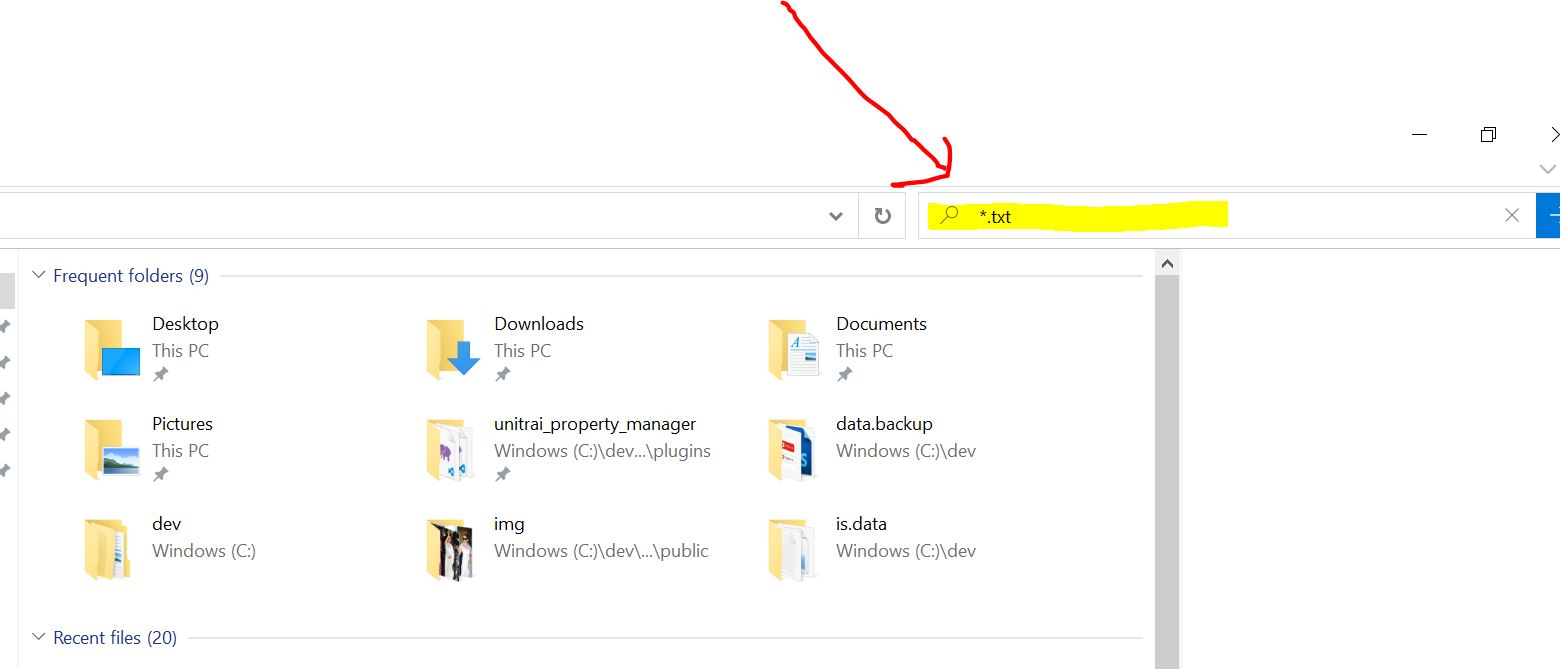
- On the top right of Windows File Explorer, type *.extension in the search box.
- Example 1: If you want to search all text files THEN Type: *.txt
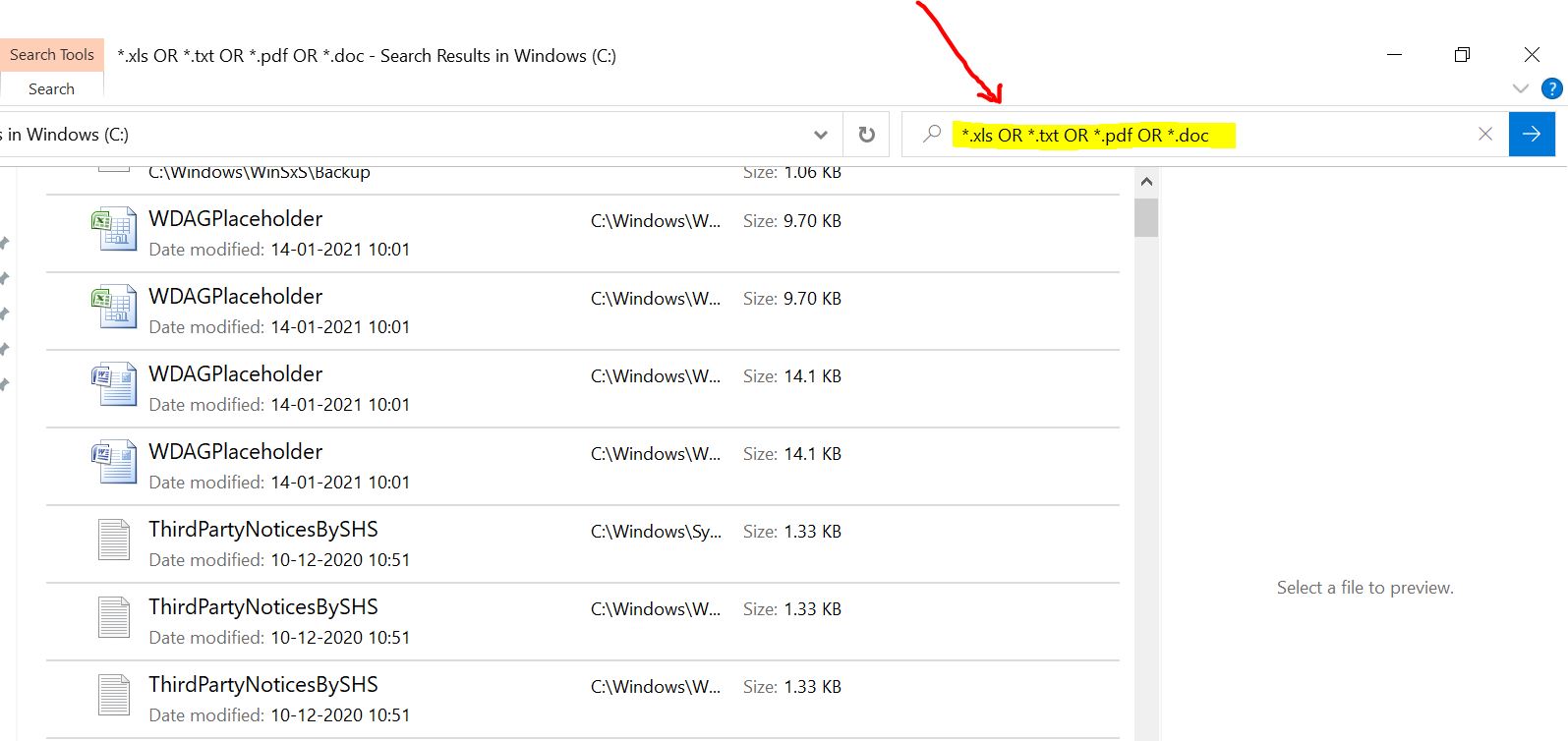
- Example 2: If you want to search Text files, XLS files, PDF files and Word/Doc files THEN Type: *.txt OR *.xls OR *.pdf OR *.doc
Reference Images:
#Find
#Productivity
#Search
#Utility
#Windows
#Windows 10
#Windows 8
Share this post